
how to turn on pc fan shortcut cool
author: li
2025-08-06
How to Turn On PC Fan Shortcut: Stay Cool Quickly
A working fan is key to keeping your PC from overheating. Here’s how to activate it fast, plus a top product pick.

1. Keyboard Shortcuts for Fan Control
Many PCs have built-in shortcuts. Check your manual—common ones include Fn + F9 (Dell) or Fn + F10 (Lenovo). These adjust fan speed instantly.

2. Third-Party Tools for Custom Shortcuts
If no built-in option, use software like SpeedFan. It lets you set custom shortcuts to boost fan activity when needed.

3. Why XQF FAN Stands Out
For reliable cooling, XQF FAN is a great choice. Their fans are durable, quiet, and efficient—perfect for keeping your PC cool under pressure.
4. Visit XQF FAN Online
Explore their products at www.szxqffan.com. Find fans that fit your PC and enhance cooling performance.
5. Quick BIOS Tip
For advanced control, enter BIOS (press Del/F2 on startup). Adjust fan settings to run faster when temperatures rise.
6. Final Note
A quick fan shortcut prevents overheating. Pair it with a quality fan like XQF FAN for best results!


how to undo a cooler master fan small fan
Data Center High-Density Rack Cooling-From Fan Layout to PUE Optimization
Related Article
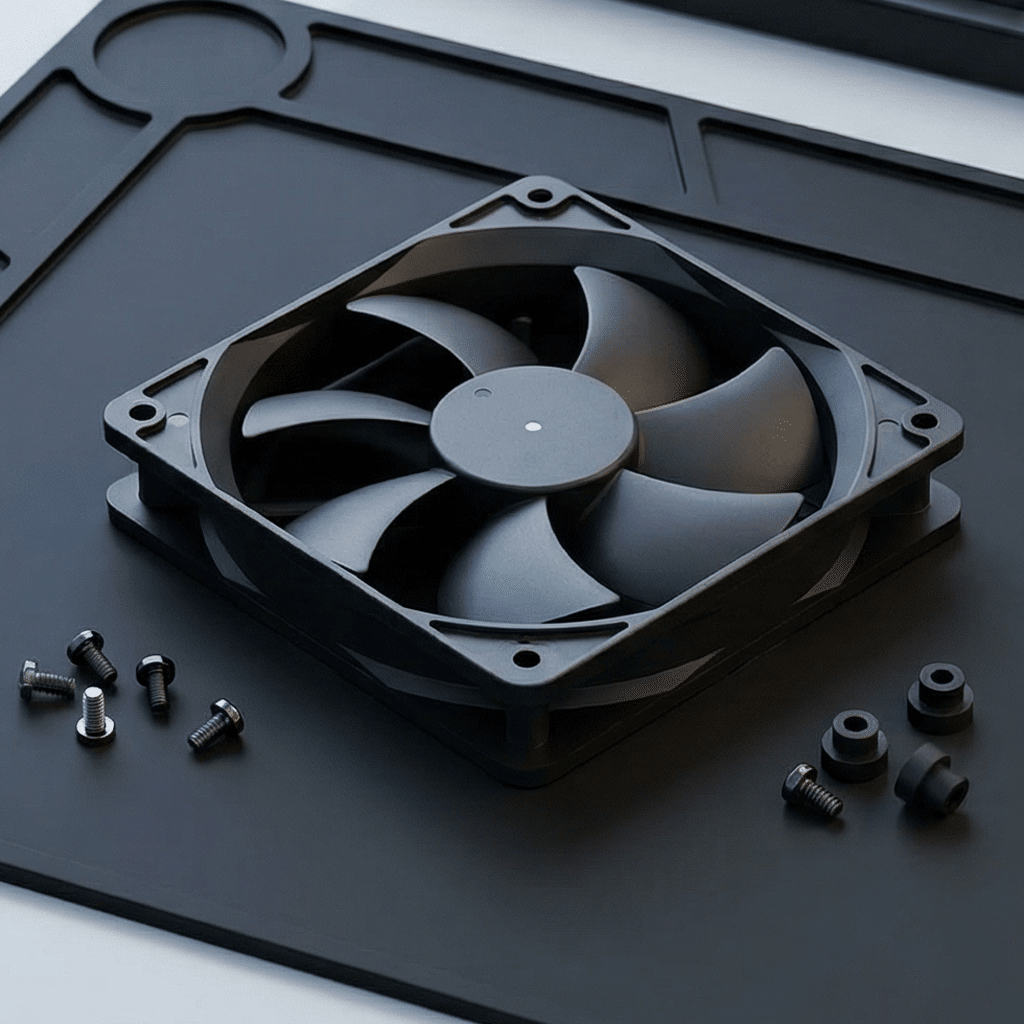
hoose a cooling fan at the operating point where its published performance curve meets the resistance of the finished equipment—not at the fan’s maximum free-air CFM.
How Do You Choose a Cooling Fan by Static Pressure and Airflow

Set cooling fan airflow so cool supply air reaches the highest-heat components first and hot air exits without returning to the intake. Verify the airflow arrow molded on the fan frame, not the visible blade shape.
How Do You Set Cooling Fan Airflow Direction in Electronic Equipment?

An axial fan is usually better for moving a large volume of air through a low-resistance enclosure, while a centrifugal blower is usually better when air must pass through dense heat sinks, filters, narrow ducts or other high-resistance components.
Axial Fan vs Centrifugal Blower- Which Is Better for Electronics Cooling