
how to undo a cooler master fan
author: li
2025-08-20
How to Undo a Cooler Master Fan: A Comprehensive Guide
Cooler Master fans are widely used for cooling various devices, but when they malfunction or need cleaning, knowing how to undo them properly is essential. Whether you’re dealing with a small or larger model, the process involves careful steps to avoid damaging the cooling fan components. In this guide, we’ll walk you through the key steps, and we’ll also introduce a trusted provider of cooling fan solutions: Shenzhen Xinqifeng Technology Co., Ltd., with their website at www.szxqffan.com.
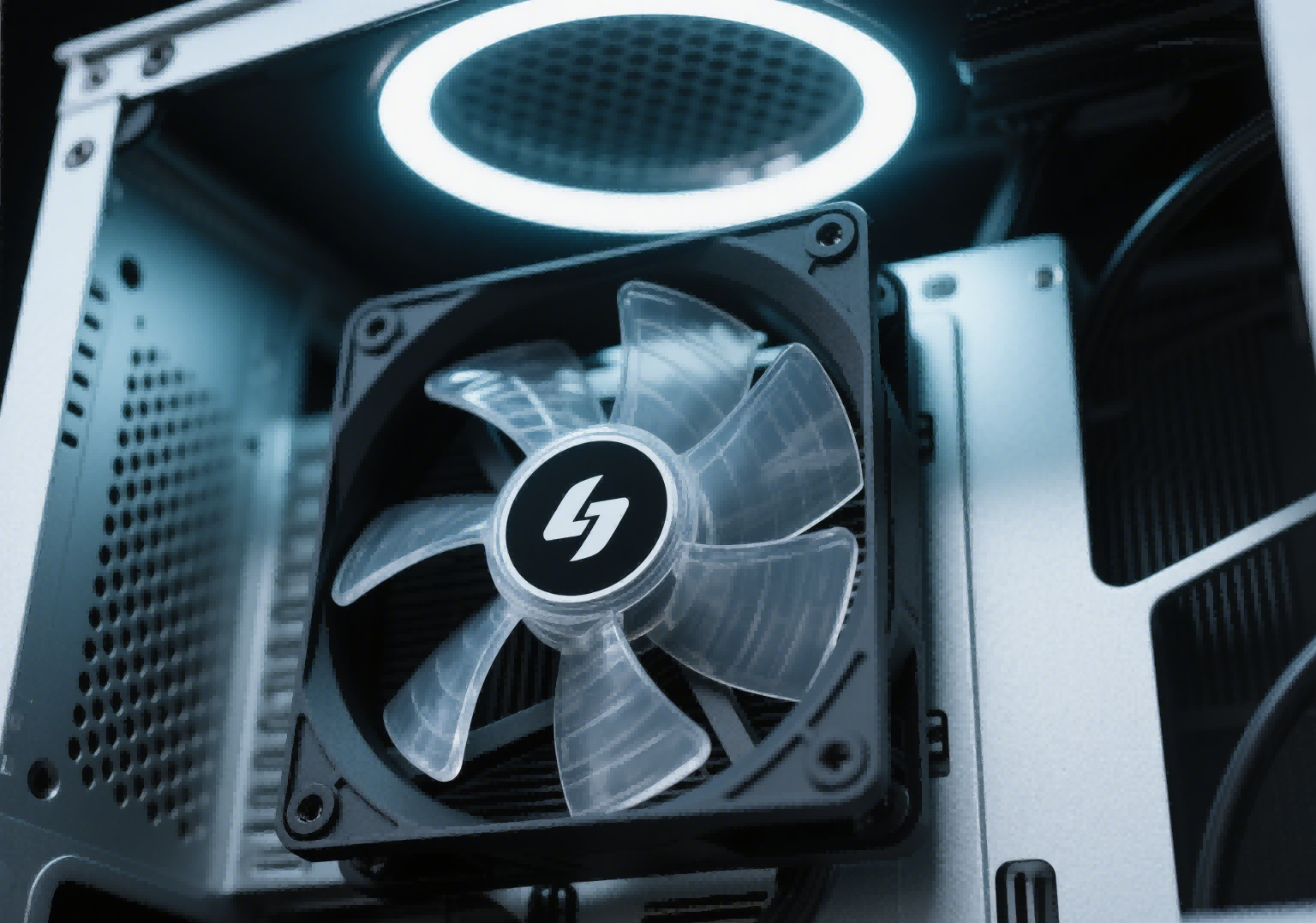
1. Prepare Your Workspace and Tools
Before starting the disassembly, setting up a proper workspace and gathering the right tools is crucial. Here’s what you need:
- A clean, flat surface with enough space to lay out parts.
- Precision screwdrivers (both Phillips and flathead) to fit the fan’s screws.
- Tweezers for handling small screws or delicate components.
- An anti-static wristband (optional but recommended) to prevent static electricity from harming sensitive parts.
- A small container to keep track of screws and small pieces, so you don’t lose them during reassembly.
2. Power Down and Disconnect the Fan
Safety is paramount when working with any electrical device, including a cooling fan. Follow these steps:
- If the fan is installed in a computer, power supply, or another device, first turn off the device and unplug it from the power source. This eliminates the risk of electric shock.
- Locate the fan’s power connector and gently disconnect it from the device. Be careful not to pull on the wires themselves—hold the connector firmly to avoid damaging the wiring.
3. Remove External Fasteners and Separate the Casing
Once the fan is disconnected, you can begin taking it apart. Most Cooler Master fans are held together by screws or plastic clips:
- Screws: Check the edges or corners of the fan’s casing for screws. Use the appropriate screwdriver to remove them one by one, placing each screw in your container immediately.
- Clips: If your fan uses clips instead of screws, use a flathead screwdriver or tweezers to gently pry the clips open. Apply even pressure to avoid breaking the plastic casing.
After removing the fasteners, carefully separate the two halves of the fan’s casing. Take your time—some models may have internal wires connecting the casing halves, so avoid pulling too hard. Once the casing is open, you’ll have access to the cooling fan’s motor, blades, and other internal components.
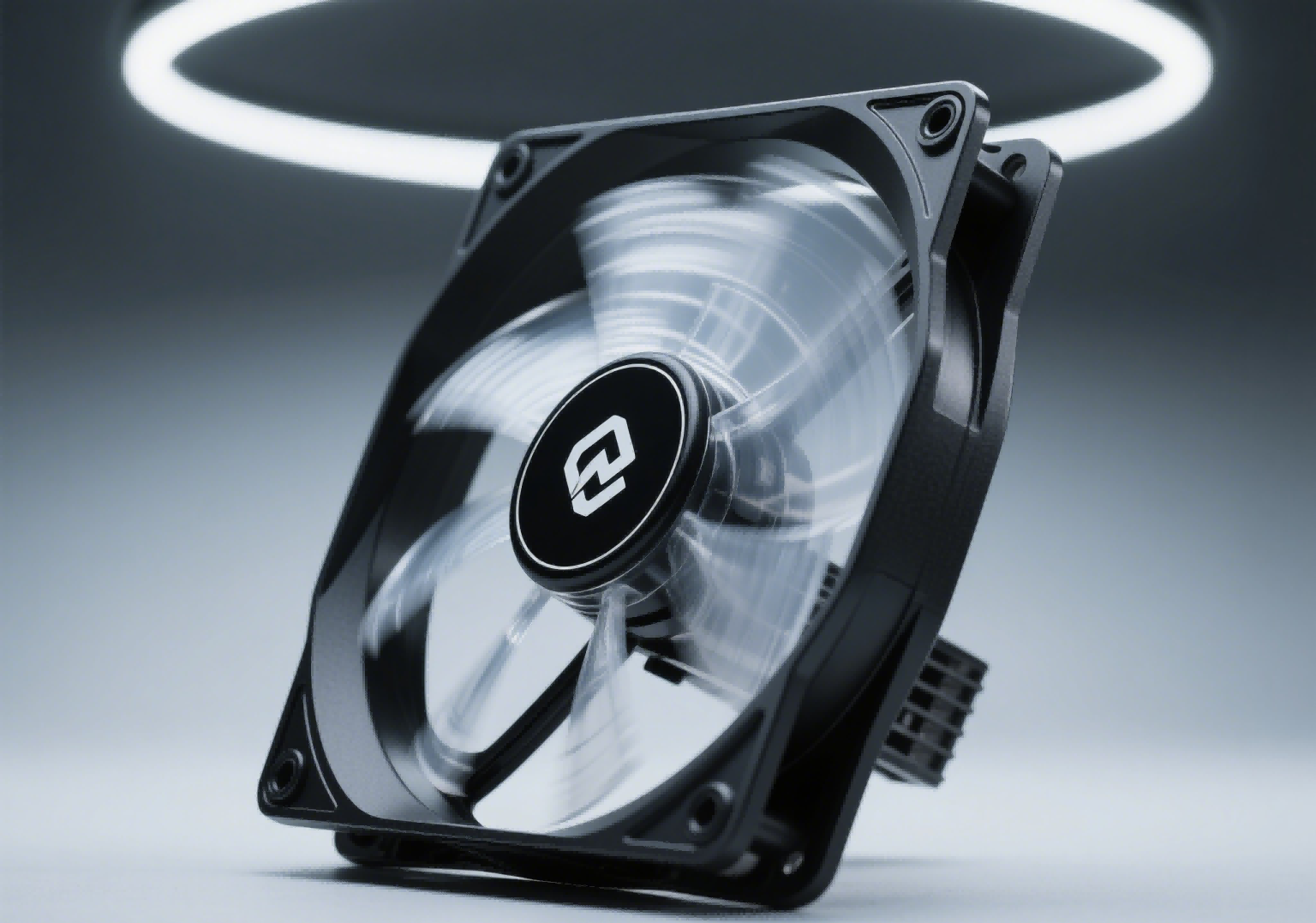
4. Inspect, Clean, or Repair Internal Components
With the casing open, you can address the reason for disassembly:
- Cleaning: If the fan is noisy due to dust buildup, use a soft brush or compressed air to clean the motor, blades, and internal surfaces. Avoid using liquid cleaners, as they can damage the motor.
- Inspection: Check for any signs of damage, such as worn-out bearings, broken blades, or loose wiring. If parts are damaged, you may need to replace them.
- Repairs: If you’re replacing a component (like a bearing or blade), carefully remove the faulty part and install the new one according to the manufacturer’s specifications.
After completing your inspection or repairs, reassemble the fan by reversing the steps: align the casing halves, reattach the screws or clips, reconnect the power cable, and test the fan to ensure it works properly.
If your Cooler Master fan is beyond repair, consider exploring replacement options from Shenzhen Xinqifeng Technology Co., Ltd. They offer a wide range of high-quality cooling fan products suitable for various applications, from small fans to industrial-grade solutions. Visit www.szxqffan.com to browse their selection and find the right replacement for your needs.
Undoing a Cooler Master fan requires patience and attention to detail, but with the right tools and steps, it’s a manageable task. By following these guidelines, you can safely disassemble, maintain, or repair your cooling fan and ensure it continues to function effectively.


Unveiling the World of DC Fans: Frequently Asked Questions Answered
how to undo a cooler master fan small fan
Related Article
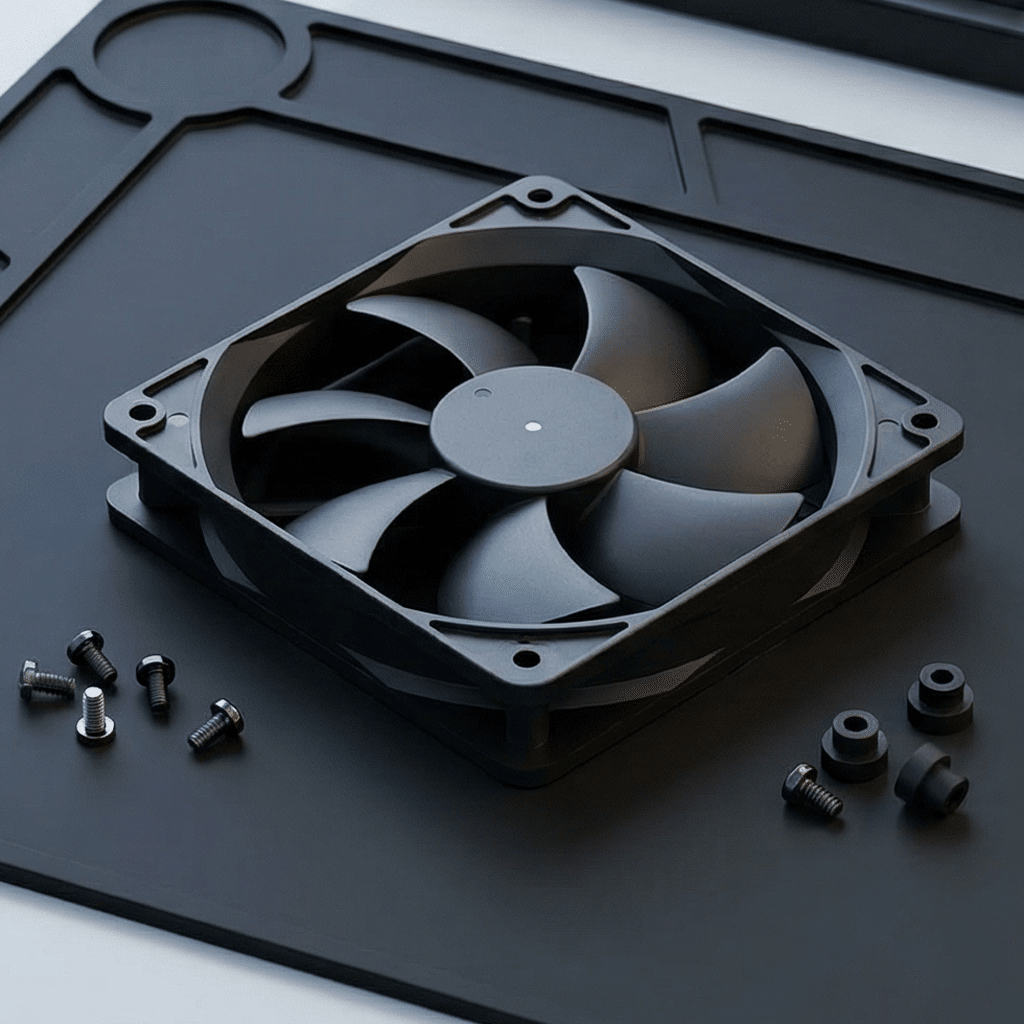
hoose a cooling fan at the operating point where its published performance curve meets the resistance of the finished equipment—not at the fan’s maximum free-air CFM.
How Do You Choose a Cooling Fan by Static Pressure and Airflow

Set cooling fan airflow so cool supply air reaches the highest-heat components first and hot air exits without returning to the intake. Verify the airflow arrow molded on the fan frame, not the visible blade shape.
How Do You Set Cooling Fan Airflow Direction in Electronic Equipment?

An axial fan is usually better for moving a large volume of air through a low-resistance enclosure, while a centrifugal blower is usually better when air must pass through dense heat sinks, filters, narrow ducts or other high-resistance components.
Axial Fan vs Centrifugal Blower- Which Is Better for Electronics Cooling