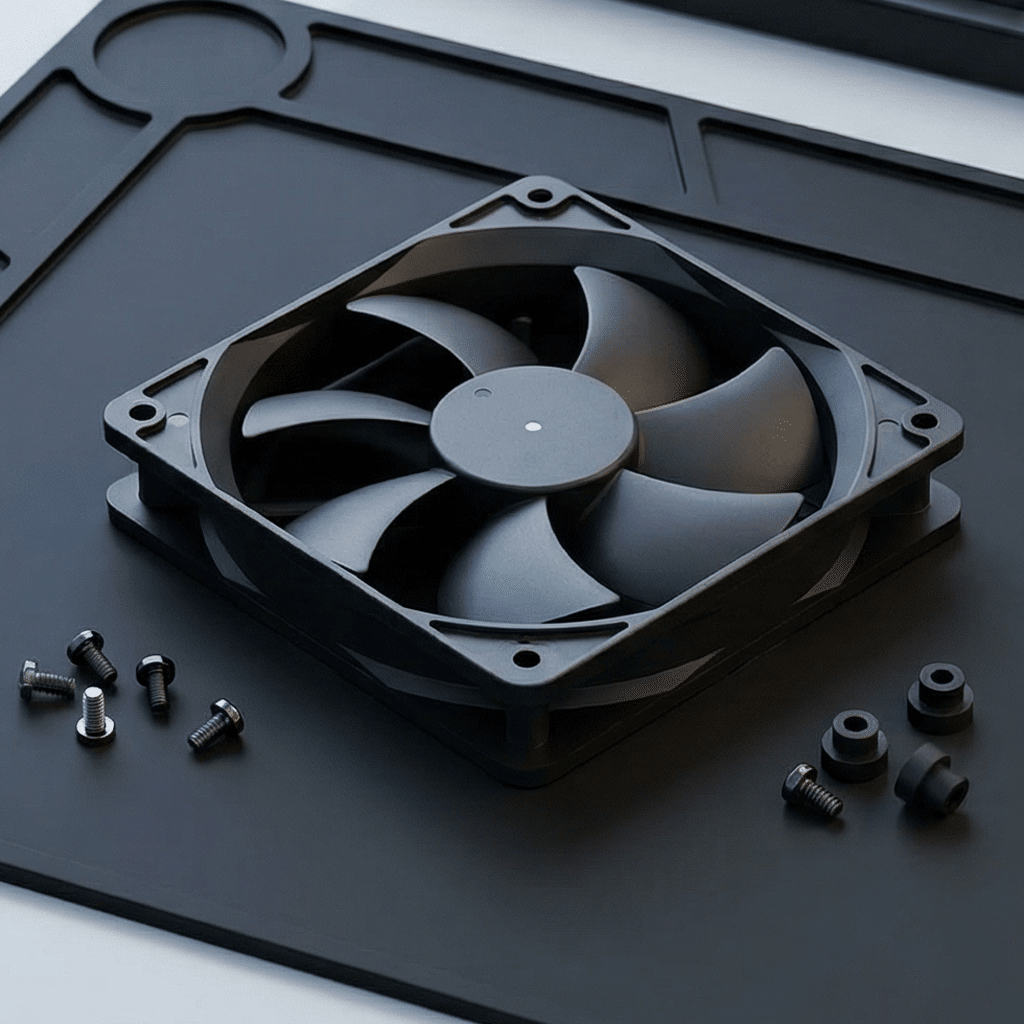
How to Choose a Server Cooling Fan-A Practical Selection Guide
How to Choose a Server Cooling Fan: A Practical Selection Guide
Server cooling is a reliability problem before it is a component problem. CPUs, GPUs, memory, storage, power supplies, and network hardware generate substantial heat in a confined chassis. The right server fan must move air through a restrictive path, respond to changing load, report its health, and keep doing so for thousands of operating hours.
Why server fan selection is different
Unlike a simple ventilation fan, a server cooling fan operates in a compact, high-density thermal system. Air must pass through dense heat-sink fins, boards, drive cages, power modules, filters, and perforated panels. Each item adds resistance. The fan therefore needs strong static pressure as well as sufficient airflow.
Server fans also work under dynamic conditions. CPU and GPU utilization, inlet temperature, workload, altitude, and failed-fan events can all change the cooling requirement. A production-ready design needs control logic, monitoring, and thermal margin—not only a high CFM number on a catalog page.
Start with a server thermal profile
Before selecting a fan size or speed, document the conditions that determine cooling demand:
- Total heat load: Include processors, accelerators, memory, drives, NICs, power supplies, and conversion losses.
- Hotspot limits: Identify the maximum permitted temperature for the most sensitive components.
- Inlet air conditions: Define normal and worst-case inlet temperature, altitude, and contamination level.
- Airflow path: Map inlet, outlet, heat sinks, obstruction zones, recirculation risks, and bypass gaps.
- Operating modes: Consider idle, typical, peak compute load, boot, and fault conditions.
- Availability target: Decide whether the system must remain operational after a fan failure.
The server fan specifications that matter
Static pressure
Static pressure is the fan's ability to force air through resistance. It is often more important than free-air airflow in servers. Look at the pressure–airflow (P–Q) curve, not only the maximum CFM value. The useful operating point is where the fan curve intersects the chassis resistance curve.
Airflow
Airflow is commonly expressed in CFM or m³/h. It represents air volume, but the published maximum is usually measured with little or no restriction. In a 1U or 2U server with closely spaced components, real airflow may be far lower. Evaluate the installed condition.
Fan format and thickness
Common server fan formats include 40 mm, 60 mm, 80 mm, 92 mm, and 120 mm frames, as well as fan modules and counter-rotating designs. Thickness matters too: 28 mm, 38 mm, and other deep frames can provide strong pressure performance but require more chassis space. Select the format after considering the system's available volume and required pressure.
Speed and PWM control
Four-wire PWM fans are widely used in servers because they allow a controller to command speed without reducing the supply voltage. Check the full operating range, startup behavior, PWM input requirements, and minimum controllable speed. A wide usable speed range makes it easier to balance acoustics, power, and cooling.
Tachometer, alarm, and fault functions
The host should be able to verify that every fan is running as expected. Tachometer signals report fan speed; some models offer locked-rotor, alarm, or fault outputs. Define how firmware will respond to an abnormal RPM signal: increase the remaining fans, reduce processor power, issue an alert, or perform a controlled shutdown.
Voltage and current
12 VDC and 48 VDC are common server fan supplies. Confirm nominal voltage, permitted voltage range, rated current, startup current, and locked-rotor current. The power design must tolerate simultaneous fan startup and fault conditions, especially in systems with many high-speed fans.
Reliability and bearing system
Servers frequently run 24/7, often at elevated inlet temperature. Review the rated life, bearing technology, maximum operating temperature, and reliability data at the conditions relevant to your equipment. A life rating measured at a low temperature should not be assumed to apply unchanged inside a hot rack.
Airflow vs. static pressure in a server chassis
| Cooling path | Typical restriction | Primary selection focus |
|---|---|---|
| Open test fixture | Low | Airflow can be a useful first comparison. |
| Basic rack server | Moderate | Compare airflow and pressure at the expected operating point. |
| GPU/AI or dense-storage server | High | High static pressure, chassis airflow modeling, and hotspot testing. |
| Server with clogged-filter allowance | Variable to high | Pressure margin, filter-maintenance strategy, and fault-mode performance. |
In high-resistance designs, a fan with a lower free-air CFM rating may outperform a higher-CFM alternative if it has a stronger pressure curve. This is why system-level measurements are essential.
Use redundancy to protect uptime
For critical servers, the cooling system should tolerate a fan failure. The most common strategy is N+1 redundancy: the fan wall has enough capacity that, if one fan fails, the others can increase speed and maintain component temperatures within limits.
Redundancy must be validated, not assumed. Test the chassis with a representative failed fan or removed module at worst-case load and inlet temperature. Check whether airflow is redirected through the empty position, whether neighboring fans operate outside their intended range, and whether firmware responds quickly enough.
Noise, power, and performance trade-offs
High-speed server fans can generate substantial noise and consume meaningful power. Maximum speed should be reserved for thermal demand or fault conditions. A well-tuned fan-control curve uses temperature sensors near critical hotspots and increases speed gradually as temperature rises.
- Use hysteresis or filtering to avoid rapid, audible speed changes.
- Set a safe minimum speed that prevents local hotspots during low load.
- Use different control zones when CPU, GPU, storage, and power-supply loads vary independently.
- Apply a conservative full-speed fallback when a critical temperature sensor or fan signal fails.
Environmental factors to consider
Data-center and edge-server environments are not identical. A controlled data hall may emphasize acoustic and energy performance, while an edge enclosure may see dust, high ambient temperature, vibration, or humidity. Specify the fan for the actual environment.
- Operating temperature range and temperature derating
- Altitude, which reduces air density and cooling capacity
- Dust exposure and filter loading over time
- Vibration and shock during transport or field deployment
- Humidity, corrosion risk, and any needed protective coatings
- EMC, safety, and product-specific compliance requirements
Server cooling fan selection checklist
- Calculate the heat load and define maximum component temperatures.
- Measure or model chassis airflow resistance.
- Select a fan curve that meets the required flow at the real system pressure.
- Verify physical dimensions, thickness, mounting, connector, and airflow direction.
- Confirm supply voltage, startup current, and power-budget margin.
- Confirm PWM, tachometer, alarm, and management-controller compatibility.
- Choose bearings and life rating for 24/7 duty and worst-case inlet temperature.
- Design and test N+1 or the required redundancy level.
- Test acoustics, thermal performance, and fault response in the final chassis.
Frequently asked questions
Why are server fans so loud?
Servers often need to push air through highly restrictive heat sinks and component layouts. That typically requires high RPM and high static pressure, both of which increase acoustic output. Intelligent PWM control can reduce noise when thermal load is lower.
Should I use axial fans or blowers in a server?
Many rack servers use high-speed axial fans or fan modules because they move air efficiently in a front-to-back chassis path. Blowers can be appropriate where the mechanical layout or ducting requires them. Select based on the pressure–airflow requirement and physical integration.
Can I replace a server fan with a standard PC fan?
Usually not without detailed verification. Standard PC fans may lack the required static pressure, operating-temperature range, connector compatibility, tachometer behavior, reliability rating, or fault-monitoring features. Use a fan designed and validated for the server's thermal and electrical requirements.
Conclusion
Choosing a server cooling fan requires more than matching frame size and voltage. Start with the chassis thermal profile, select performance from the pressure–airflow curve, and validate the result at the real operating point. Add PWM control, RPM monitoring, robust power design, and tested redundancy to build a cooling system that protects performance and uptime.
IP68 Cooling Fan Guide- How to Choose a Waterproof Fan
EC Fan vs. DC Fan-Key Differences and How to Choose
Related Article